
Everlaw eDiscovery: Test Collaboration Before Review Begins

Document review is collaborative, but access should not be broad by default. Reviewers need the right documents, searches, assignments, and work product. Project managers need control over sharing and changes. Administrators may need wider access, while outside counsel, experts, or temporary reviewers may require a narrower view.
Everlaw eDiscovery separates several permission layers. Searches are private to their creator by default and can be shared with View, Edit, or Full Access. Objects, projects, and administrative access have their own controls. That means sharing one search does not prove that the complete review environment follows the intended least-privilege model.
This guide uses current public pricing and help documentation. It does not claim a hands-on permission test, independent performance comparison, or universal per-gigabyte price.
Key Takeaways
- Searches Begin Private: Everlaw’s help documentation says searches are private to their creator by default.
- Shared Searches Have Three Levels: View, Edit, and Full Access support different collaboration rights.
- Copies and Shared Versions Behave Differently: Shared edits and version history remain connected, while a personal copy does not update collaborators’ search.
- Permissions Have Several Layers: Project access, object sharing, user groups, and administrative or global access must be reviewed separately.
- Pricing Depends on Data and Usage: Current pricing uses case or annual subscriptions based on managed data and usage, with no published universal per-GB rate.
- Batch AI Can Use Credits: Single-document AI actions and Writing Assistant are included, while batch AI actions use credits; unused committed credits expire at term end.
Map the Review Set to the Shared Work Product
An eDiscovery team does more than read documents. It creates searches, coding decisions, assignments, review layouts, binders, timelines, deposition material, drafts, and other work product. The access model should follow that chain. In Everlaw eDiscovery, many of those items can be shared on their own.
| Review Element | Collaboration Need | Permission Question |
|---|---|---|
| Source documents | Review and coding | Which projects and document sets can the user access? |
| Searches | Reproduce and refine results | Can the user view, edit, reshare, or delete the search? |
| Assignments | Divide review work | Who creates, receives, and monitors assignments? |
| Review layouts | Standardize coding | Who can use or modify the layout? |
| Predictive coding models | Prioritize review | Who can access and manage the model? |
| Story or case work product | Connect evidence to case theory | Who can view, edit, share, or export it? |
| Productions and exports | Deliver or preserve output | Who can create, approve, download, or remove it? |
This map helps a project manager avoid two opposite errors. Excessive access can expose information or allow unintended changes. Insufficient access can slow review, cause duplicate work, or push teams into uncontrolled side channels.
When comparing Relativity deployment and hosting choices, the firm should use the same role and permission scenarios rather than comparing feature names alone.
Understand Search Sharing and Personal Copies
Everlaw’s search-collaboration documentation says searches are private to the creator by default. A creator can share a search with View, Edit, or Full Access. Search sharing is one of the first Everlaw eDiscovery settings a project manager should test.
The three levels should be tested with representative roles:
- View: Confirm what the recipient can see and run without changing the shared search.
- Edit: Confirm which search changes are shared and how version history appears.
- Full Access: Confirm broader control, including sharing or other actions allowed at that level.
Shared edits and version history remain part of the collaborative search. A personal copy is different: it lets a user work independently, but changes to that copy do not update the search used by collaborators.
That distinction matters when a team is refining a key search. If reviewers create personal copies without a naming or promotion process, useful improvements can remain isolated. If everyone edits one shared search, unintended changes can affect the team.
Search governance: Use shared versions for approved team searches. Use personal copies for experimentation. Require a review step before experimental changes replace an approved search.
The review protocol should identify the search owner, permitted editors, naming convention, version expectations, validation method, and final approval authority.
Test Project, Object, Group, and Admin Permissions Separately
The Sharing and Object Permissions page says documents, binders, searches, folders, assignments, review window layouts, results table views, predictive coding models, document sets, Stories, Drafts, and Depositions can all be shared. Object access is only one layer.
Project permissions determine what users can do within the review environment. The same page has separate sections for managing permissions by object, by users and groups, global object access, and admin default access to objects.
That makes group membership review essential. Before live review, confirm in a demo how rights behave when one person belongs to more than one group, and record the result.
Use a permission test matrix before live review begins:
| Test Role | Project Access | Object Access | Expected Result | Demo Result |
|---|---|---|---|---|
| First-level reviewer | Assigned review scope | Approved searches and layout | Review only assigned material | Record during test |
| Senior reviewer | Wider document access | Edit selected shared searches | Resolve issues and refine approved work | Record during test |
| Outside counsel | Matter-specific access | Named shared objects | Collaborate without unrelated access | Record during test |
| Expert or consultant | Narrow evidence set | Specific binder or work product | View only necessary material | Record during test |
| Project manager | Full project-management scope | Manage assignments and shared objects | Operate the review | Record during test |
| Administrator | Authorized administrative scope | As required | Manage users, groups, and settings | Record during test |
The “Demo Result” column must remain blank until the firm observes the behavior. This is an acceptance tool, not a claim that a configuration has already been tested.
Keep Evidence and Case-Building Work Connected
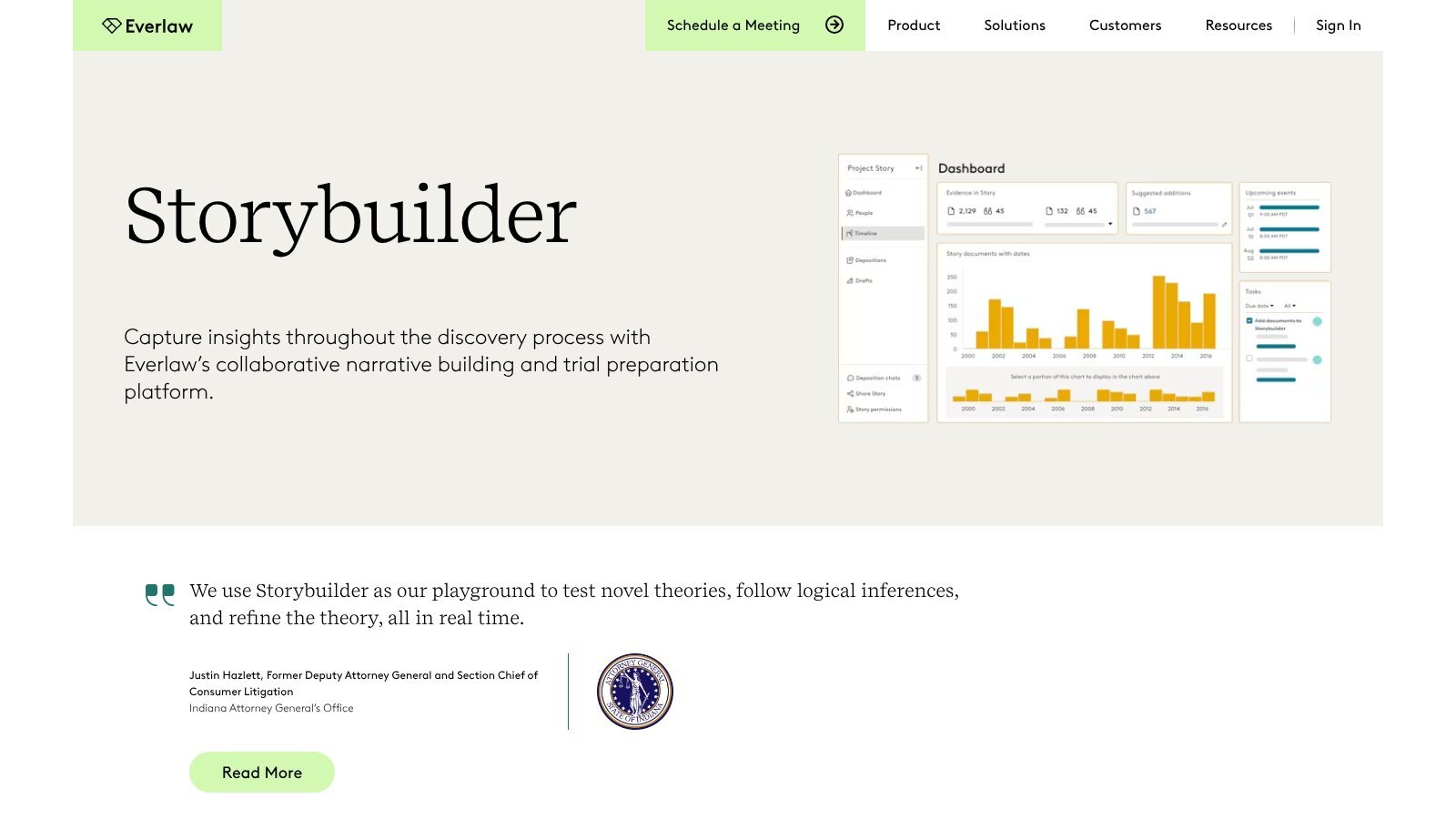
Everlaw positions Storybuilder as a way to build case work from reviewed evidence. The Storybuilder materials can help a buyer understand the intended transition from document review to collaborative case preparation.
The implementation question is not only whether the feature exists. The team needs rules for who can add evidence, edit descriptions, organize themes, create drafts, approve work product, and export or share it.
Case-building work should retain a traceable connection to the underlying source. A reviewer or attorney should be able to determine which document supports a proposition, what review decision was made, and whether the cited item remains within the permitted evidence set.
The same principle applies to AI-assisted summaries or drafting. A source-checking workflow should keep human responsibility, source validation, and final approval visible rather than treating generated work as self-verifying.
Separate Hosted Data From Other Cost Drivers
The current Everlaw pricing page describes case and annual platform subscriptions based on managed data and usage. It says pricing is based on the amount of data you manage and your usage, without limits on users or uploads.
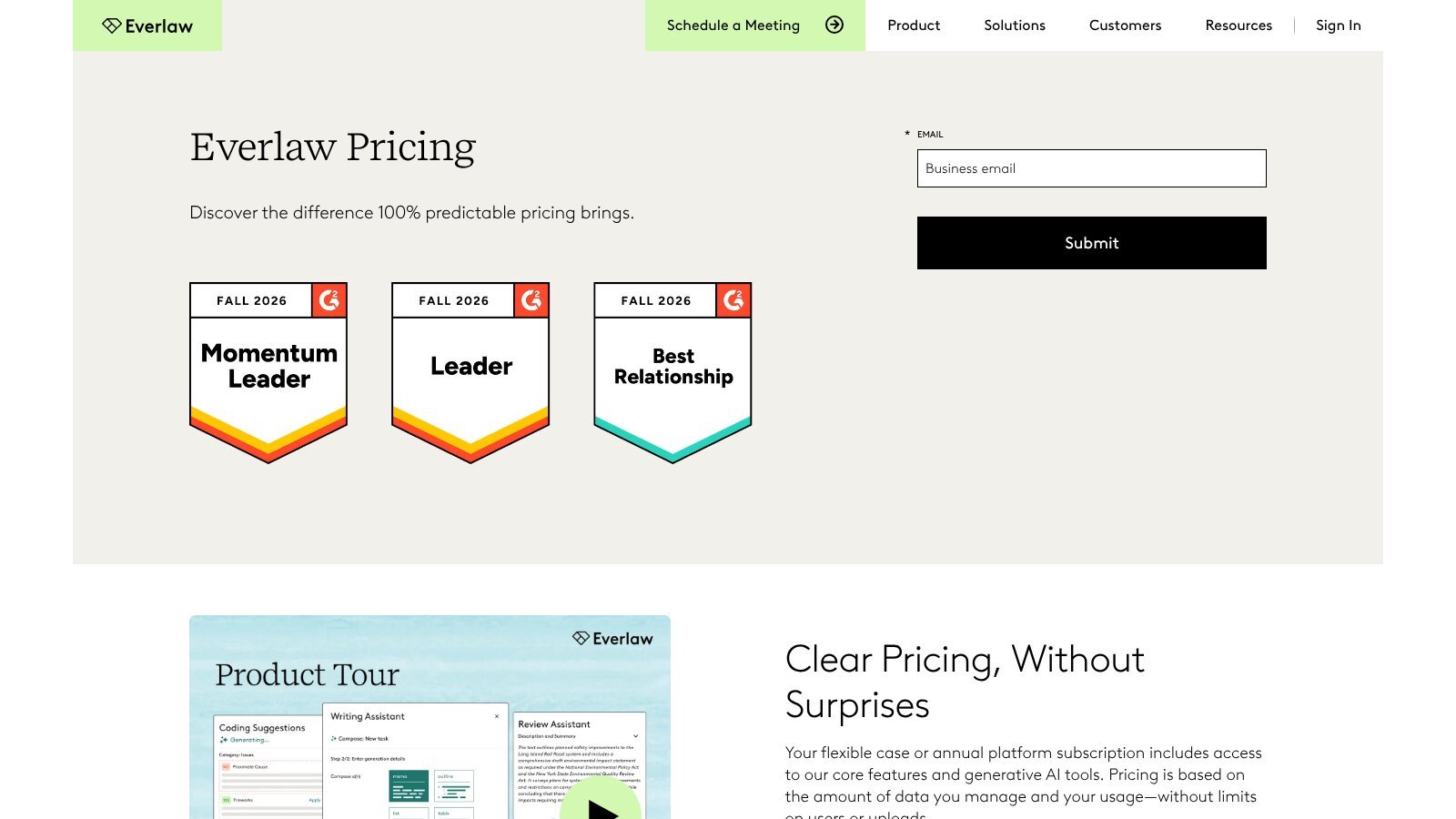
“Unlimited users and uploads” does not mean unlimited free storage or unlimited use of every AI function. The budget still needs to follow the platform’s measurement rules.
Everlaw’s Billing and Pricing FAQ, listed in Resources, has separate answers on when data size is measured, partial projects, and charges aside from hosted data size. Read them before modeling the budget.
| Cost Driver | What to Confirm |
|---|---|
| Hosted data | Measurement point, included data, and treatment of deletions or additions |
| Partial projects | Whether reusing documents changes billed size |
| Produced files | Whether storage of productions adds to hosted size |
| AI credits | Included amount, committed amount, usage measurement, and expiration |
| Optional services | Scope, rates, minimums, and approval process |
| Migration and onboarding | Included services and work outside the standard scope |
| Annual commitment | Volume assumptions, overage, renewal, and unused commitment treatment |
The Billing and Pricing FAQ should be read together with the current pricing page. The FAQ centers on hosted data, while the pricing page also covers AI usage, so both pages belong in the budget.
Model AI Credits Separately From Data
The current pricing page says single-document AI actions and Writing Assistant are included, while batch AI actions use credits. It also says unused committed credit purchases expire at the end of the term.
That structure creates a planning problem different from hosted data. Firm-level AI adoption figures show interest, but they cannot tell a team how many batch actions its own Everlaw eDiscovery matters will need. A team may need to estimate how often it will run batch actions, on how many documents, and at which stages of review.
The quote should define the unit of credit consumption, included or committed credit volume, visibility into usage, alerts, overage treatment, expiration, and whether credits can be shifted across cases or projects.
AI usage: Do not combine hosted-data volume and AI credits into one unexplained “usage” estimate. Track the units separately so the firm can see what drives each charge.
The pilot should also measure whether the batch action changes review time, error correction, or work allocation. Credit consumption alone does not show value. The same fixed-task discipline used in a Harvey legal AI pilot works here: pick the tasks first, then judge the output against them.
Do Not Delete Data Solely to Reduce Cost
Hosted-data pricing can create pressure to remove material, but eDiscovery data may be subject to legal hold, preservation duties, court orders, client requirements, production needs, or internal retention policies. That holds for Everlaw eDiscovery projects as much as any other review platform.
No cost-reduction action should occur without the required legal and operational approvals. The firm should identify who can authorize archival, export, deletion, or project closure and what evidence must be retained.
A responsible closeout process may include confirming holds, documenting production and work-product needs, exporting agreed materials, validating the export, obtaining approval, and recording the final action.
Run a Collaboration and Cost Pilot
A useful evaluation should combine permissions, work product, and cost. Testing only search speed or interface preference will not show whether the platform fits the review team. An Everlaw eDiscovery pilot should test both at once.
- Create Representative Roles: Include reviewer, senior reviewer, manager, outside collaborator, and administrator.
- Load Approved Sample Data: Use material permitted for the evaluation and record native and processed volumes.
- Build and Share Searches: Test View, Edit, Full Access, version history, and personal copies.
- Share Other Objects: Test assignments, layouts, binders, and case-building work under intended permissions.
- Review Group Membership: Confirm that combined groups do not produce unexpected broader access.
- Create a Production or Export: Verify authorization, storage impact, and retrieval.
- Test an AI Use Case: Record the action, document volume, credit use, review work, and observed result.
- Reconcile the Quote: Match data, AI, services, and commitment assumptions to the observed pilot.
The final record should distinguish expected behavior from observed demo behavior. That keeps the evaluation honest and gives the vendor or project team a clear list of open questions.
What Should a Buyer Conclude?
Everlaw eDiscovery should be evaluated as a collaboration environment with several access layers, not only as a document search interface. The right question is whether the planned reviewers and collaborators can do their work without receiving broader access than they need.
Cost should be modeled with the same care. Managed-data measurement, produced files, AI credits, services, and commitments belong in separate rows. Unlimited users or uploads should not be translated into unlimited free usage. An Everlaw eDiscovery quote should show each driver separately.
Broader legal technology research can place eDiscovery in context, but a permission test and cost worksheet provide the evidence needed for this specific decision.
Frequently Asked Questions
Are Everlaw Searches Private by Default?
Yes. Everlaw’s help documentation says searches begin private to their creator unless they are shared with other users or groups.
What Search-Sharing Permissions Are Available?
Shared searches can use View, Edit, or Full Access. Buyers should test the exact actions allowed under each level.
Does a Personal Search Copy Update the Shared Version?
No. A personal copy is independent and does not update collaborators’ shared search. Teams need a process for promoting approved changes.
Does Unlimited Uploads Mean Unlimited Free Storage?
No. Current pricing is based on managed data and usage. Firms should confirm how hosted data is measured and whether produced files add to it.
Are All Everlaw AI Actions Included Without Usage Charges?
No. The pricing page says single-document actions and Writing Assistant are included, while batch AI actions consume credits.
Is This a Hands-On Permission or Performance Test?
No. This guide uses public documentation and an editorial test framework. The firm must observe and record results in its own demonstration.
Resources
- Everlaw Pricing
- Everlaw Billing and Pricing FAQ
- Sharing and Collaborating on Searches
- Sharing and Object Permissions
- Everlaw Storybuilder
This guide uses public desk research, not hands-on product testing. Pricing and help pages were checked November 14, 2026.